Screenshots

What Vocards looks like

Real screens from the Vocards app: your reviews for today, studying a card, making a deck and the exercises in a review session.

The mobile app

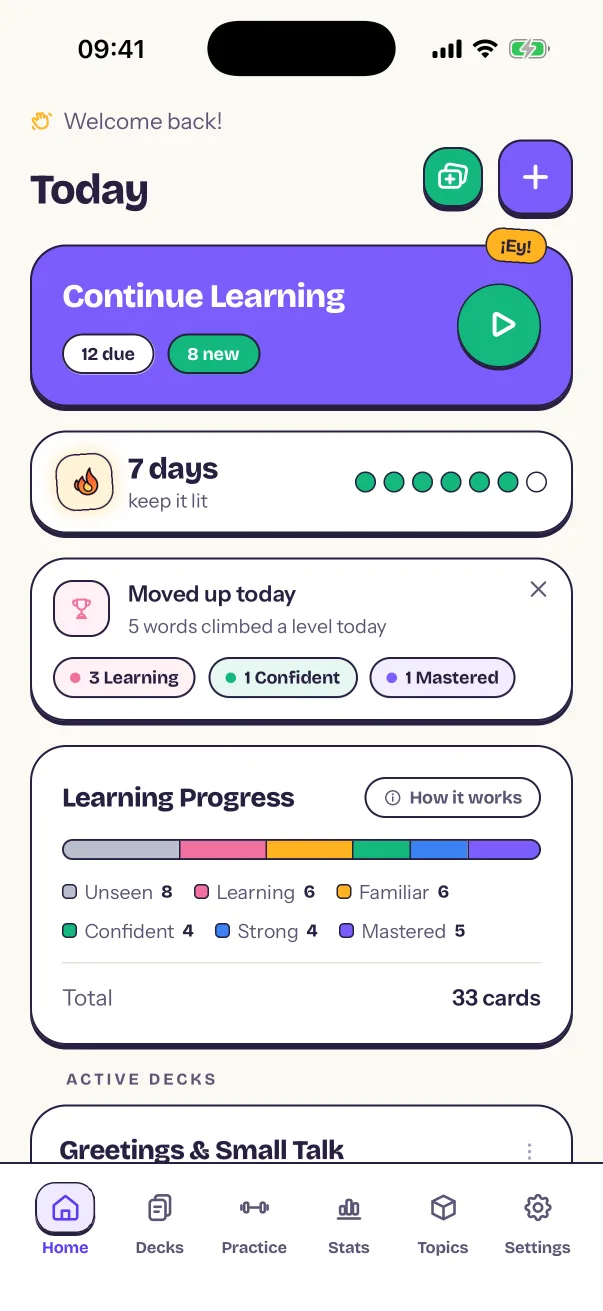
  • Screenshot of the Vocards mobile app. Home: Today's reviews, your streak and your learning progress.
    HomeToday's reviews, your streak and your learning progress.
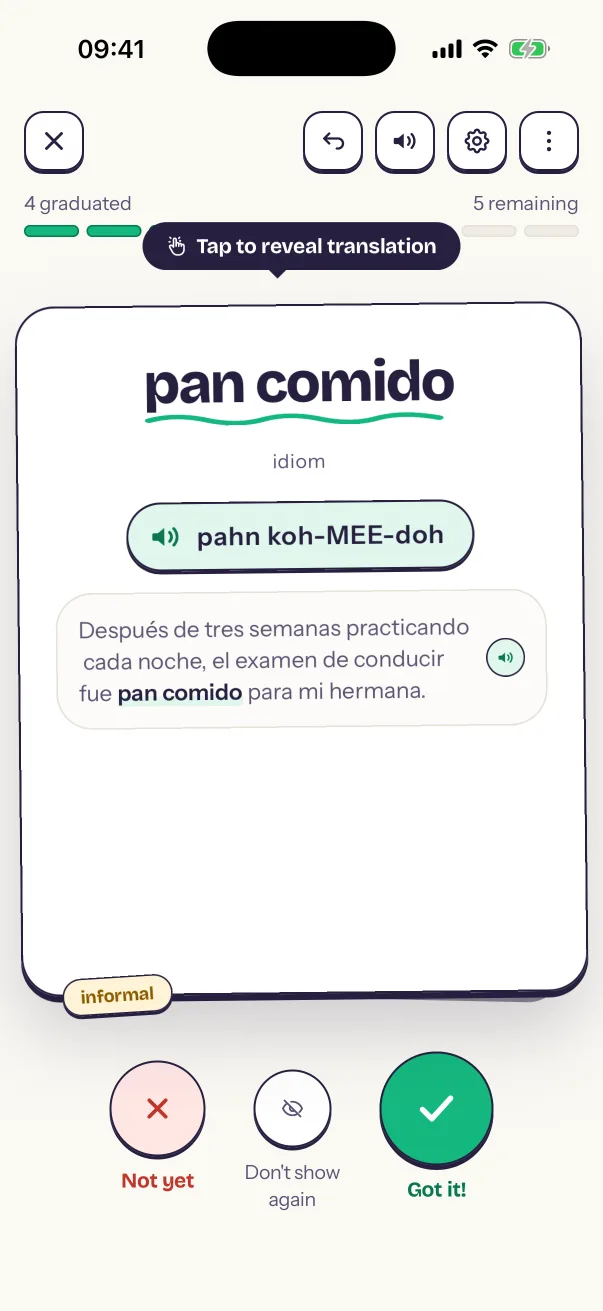
  • Screenshot of the Vocards mobile app. Reviewing a card: A word with its audio pronunciation and example sentences.
    Reviewing a cardA word with its audio pronunciation and example sentences.
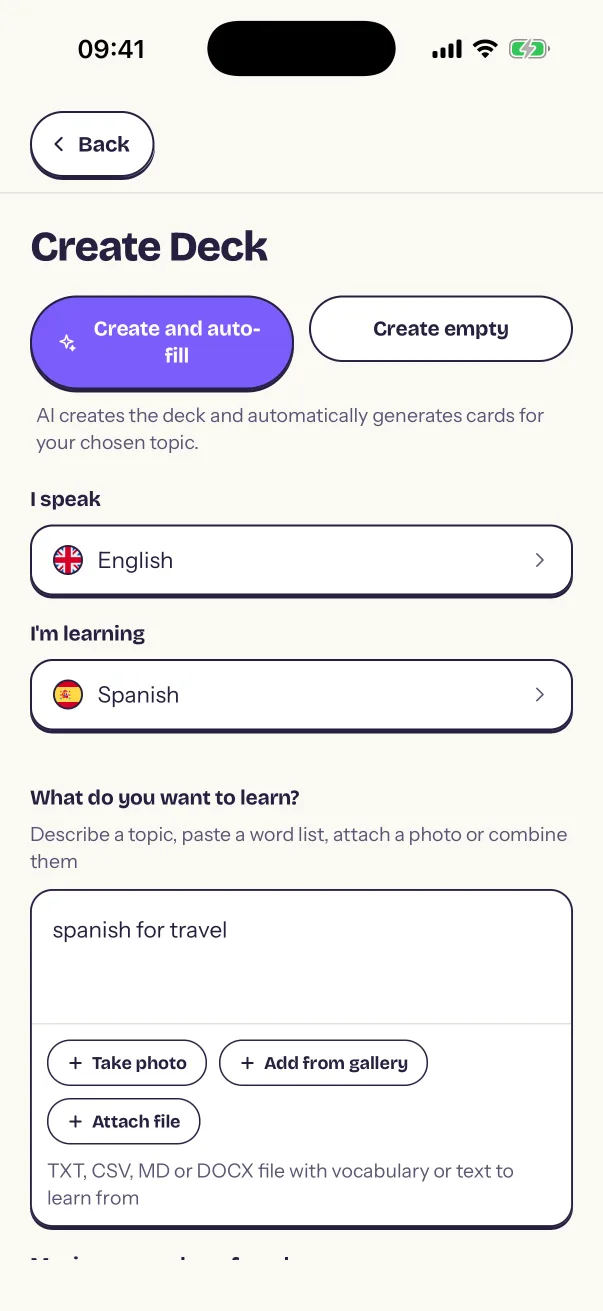
  • Screenshot of the Vocards mobile app. Creating a deck: Make a deck from a topic, a word list or a photo.
    Creating a deckMake a deck from a topic, a word list or a photo.
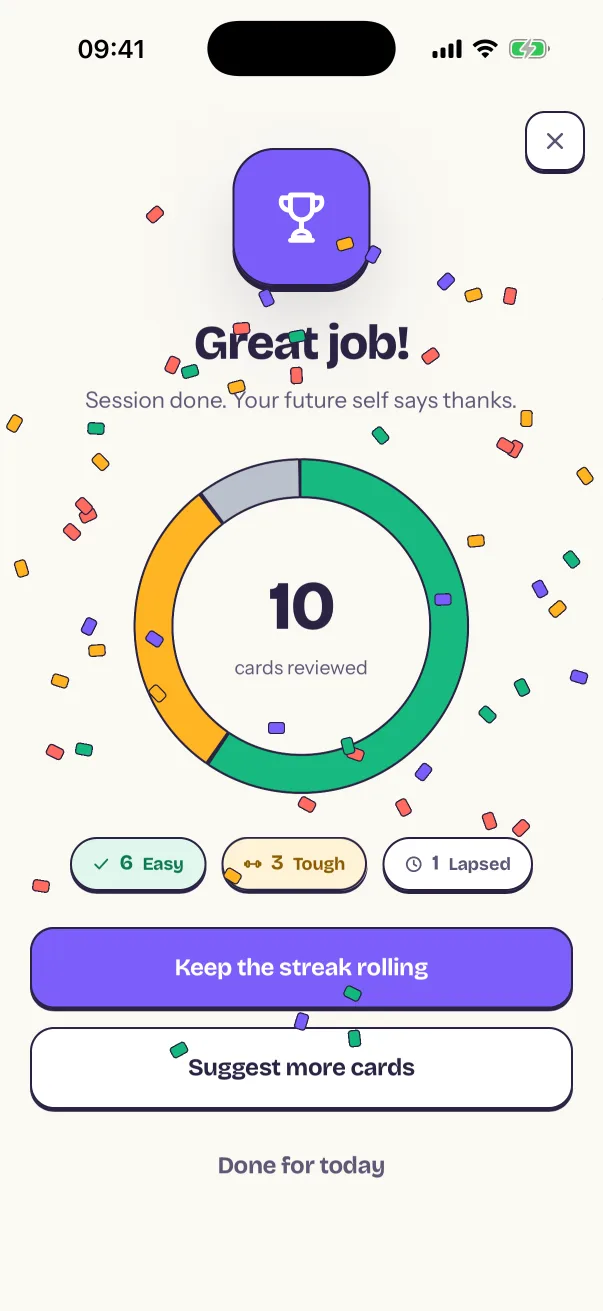
  • Screenshot of the Vocards mobile app. Session summary: Your results at the end of a review session.
    Session summaryYour results at the end of a review session.
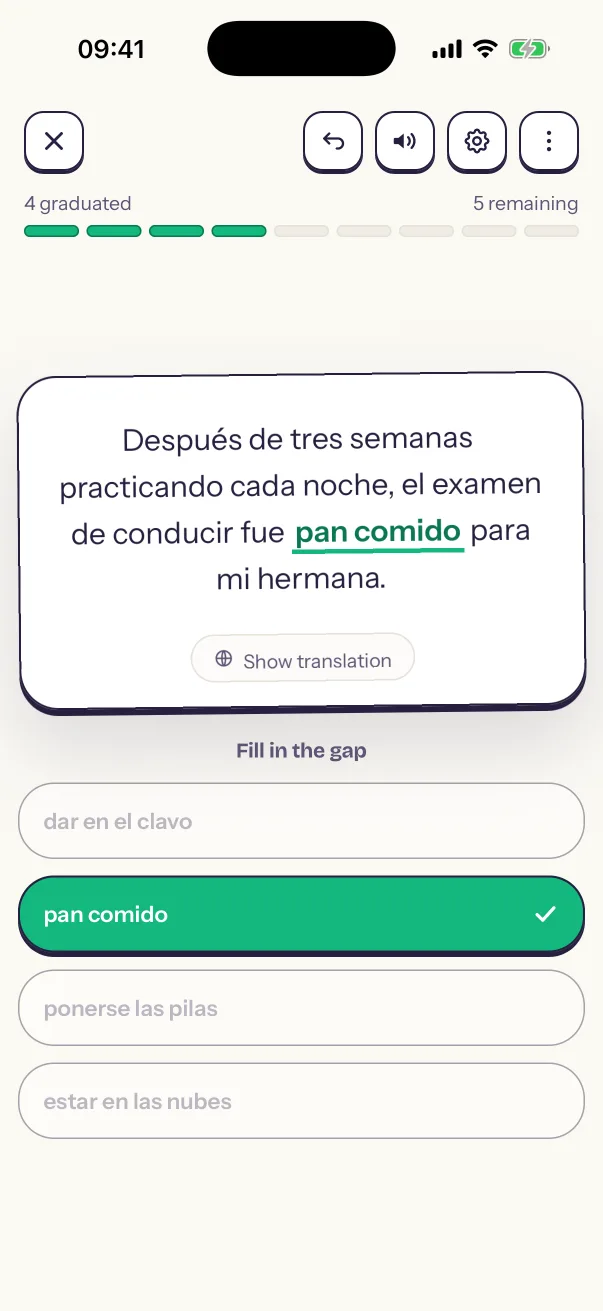
  • Screenshot of the Vocards mobile app. Fill the gap: Find the missing phrase in an example sentence.
    Fill the gapFind the missing phrase in an example sentence.
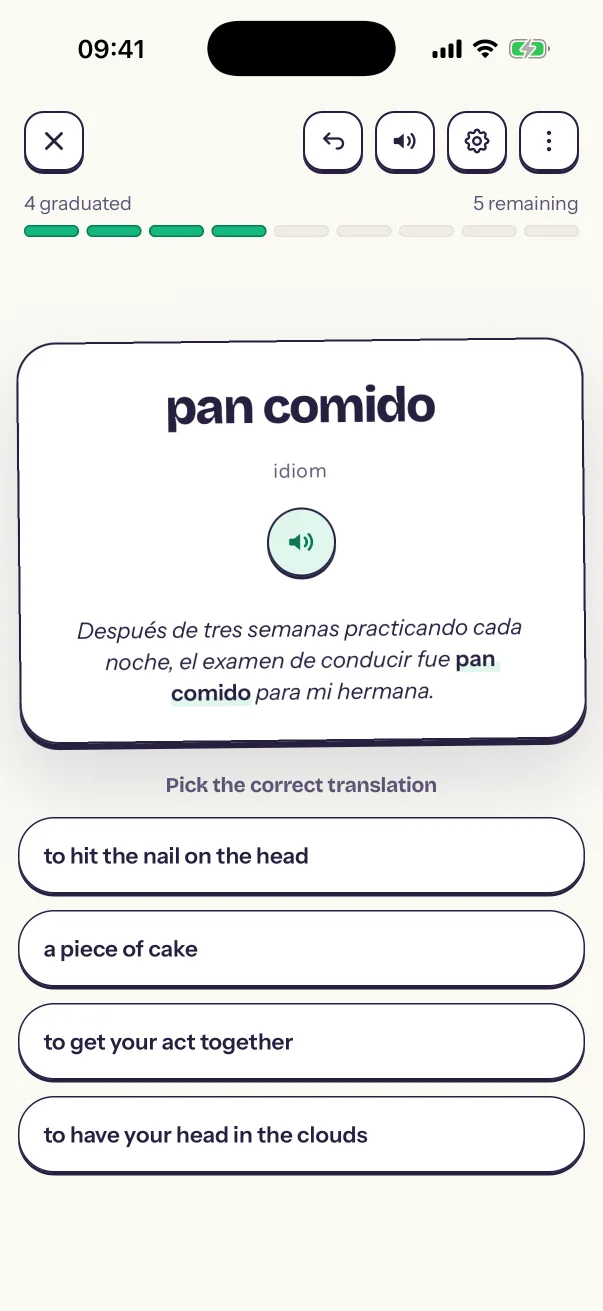
  • Screenshot of the Vocards mobile app. Multiple choice: Pick the correct translation.
    Multiple choicePick the correct translation.
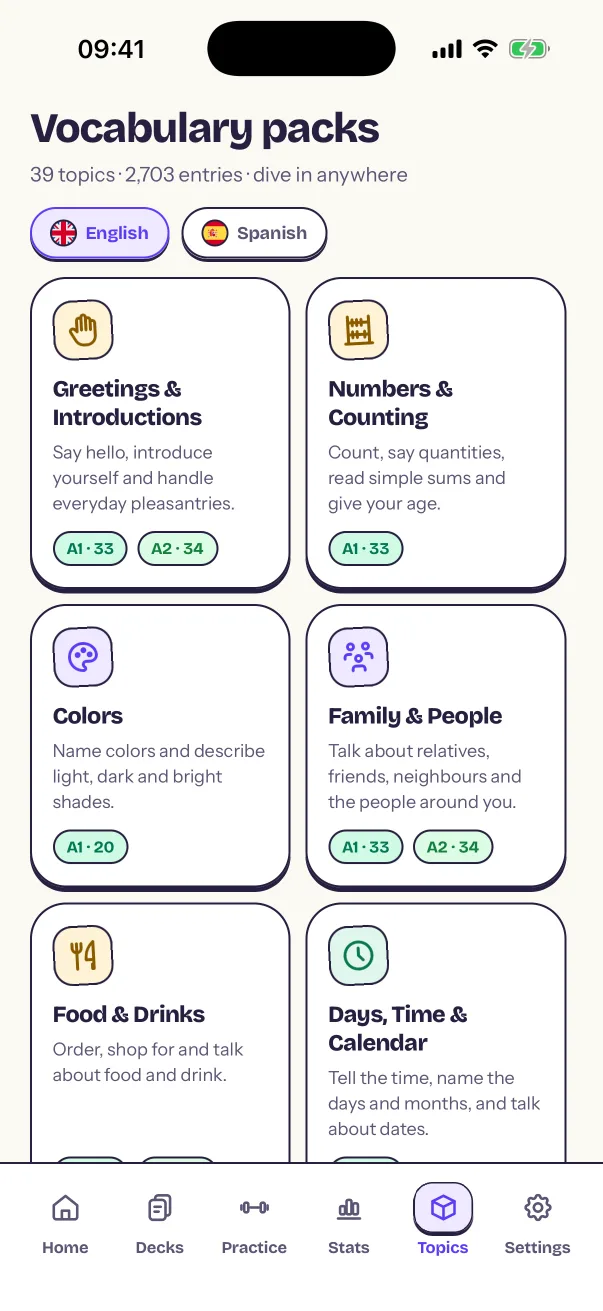
  • Screenshot of the Vocards mobile app. Vocabulary packs: Ready-made topics, sorted by level.
    Vocabulary packsReady-made topics, sorted by level.
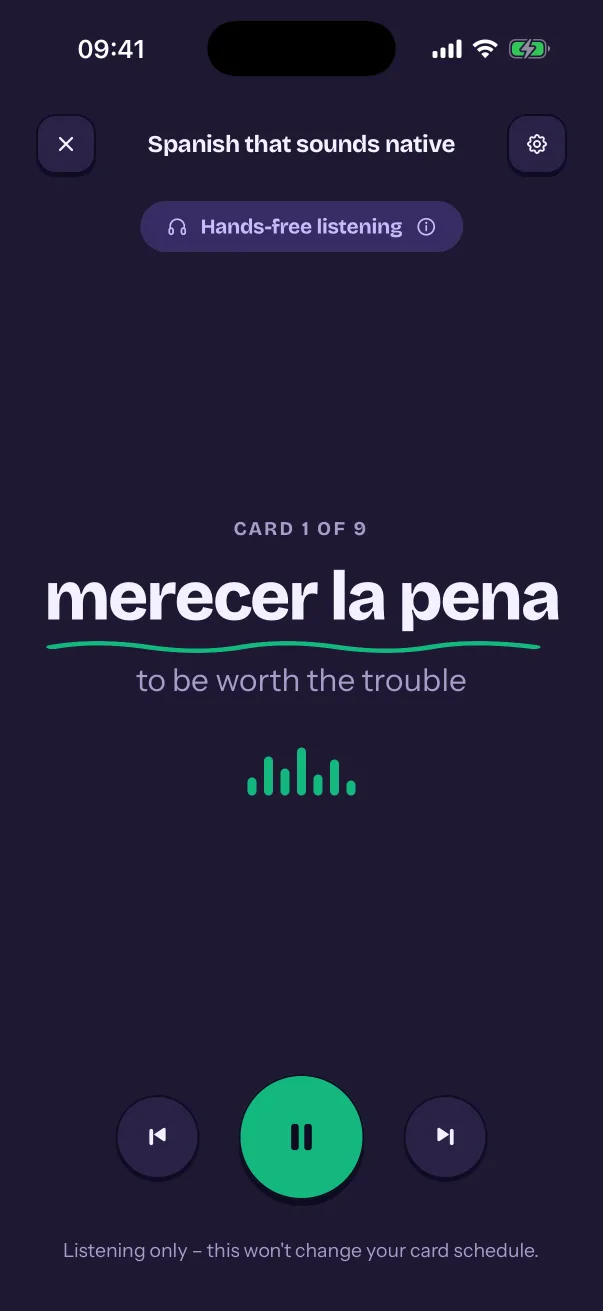
  • Screenshot of the Vocards mobile app. Podcast Mode: Listen through a deck hands-free, in the mobile app.
    Podcast ModeListen through a deck hands-free, in the mobile app.
Inside the app

Have a look around.

The web app, the mobile app and the Chrome extension, shown with example words.

  • Mobile appApps for iPhone and Android

  • WebA session takes a few minutes

  • A learning session on a phone with the offline notice showing

    Mobile appStudy offline on your phone

  • A topic typed into the new deck form, then the deck's tile on the home page and the deck itself, its cards appearing as they are written

    WebBuild a deck from a topic

  • On a phone, a word selected in another app and shared to Vocards from the share sheet, then the add-card sheet opening with the word filled in

    Mobile appSave words from any app

  • An answer typed one letter off, then checked, with the slip pointed out

    WebType the answer from memory

  • A word selected on a web page, the Vocards bubble clicked, the extension's popup opening with the word and its sentence, and the card created with AI

    Chrome extensionSave words from web pages

  • The streak celebration after a session, at a week and then a month: each time the flame grows, the count rises and this week's days light up

    WebStreak celebrations that grow

  • The streak window over the home page: a 30-day streak, all three rest days in hand, and this month's calendar with the days studied filled in and two days marked with a rest-day shield

    WebRest days protect your streak

  • A gap-fill exercise: an example sentence with the word missing, and the right one of four choices picked and marked correct

    WebFill the gap in a sentence

  • A multiple-choice question in a learning session: a word and four translations to pick from

    WebMultiple-choice questions

  • The session summary arriving in a burst of confetti: the count of cards reviewed rises, the chart fills in with easy, tough and lapsed, and the number of words that moved up a level appears

    WebSee what changed after each session

  • A deck's page with its cards and the Learning progress panel

    WebSix levels of spaced repetition

  • On a phone: a word list in an exercise book photographed, the photo attached to a new deck, and the deck written from it, one card per word

    Mobile appTurn a photo into cards

  • A word list pasted in, then the import preview: how a line was read as a word and its translation, and the deck it goes into

    WebImport a word list

  • The practice screen on a phone, with its exercise types and the number of words per round

    Mobile appPractice rounds off the schedule

  • The Edit card page scrolling from top to bottom: the word and its pronunciation, the translation, the examples with an optional AI button, and Save

    WebEdit any card yourself

  • A Japanese card's reading in the card editor, then the same card in a session: the word on its own, then turned over with its furigana above it and its meaning

    WebReadings for Japanese and Chinese

  • A Kindle book's highlights ready to import, with color filters

    WebImport Kindle and Play Books highlights

  • The English vocabulary packs, by topic

    WebReady-made English vocabulary packs

  • The stats page with a year-long heatmap and streak totals

    WebStats and a learning heatmap

  • The color theme picker, with two themes starred as favorites

    WebColor themes

  • Vocards widgets on an Android home screen

    Mobile appHome-screen widgets

  • Podcast mode on a phone, playing a deck

    Mobile appListen hands-free with Podcast Mode

  • The deck library on a phone, with its view, sort, filter and search buttons over folders and decks

    Mobile appSearch, sort and filter decks

  • The Sound settings on a phone: how pronunciation is written, auto-play, playback speed and the celebration sounds

    Mobile appLearning and audio preferences